
Photo to video AI — one tap, real motion
Turn any still picture into a realistic moving video. PicAlive analyzes your photo and generates natural motion — no prompts to write, no timeline to edit, no account to create.
From frozen moment to living video
Most AI video generators ask you to describe a scene in words. PicAlive starts from the photo you already love and simply makes it move — the same faces, the same place, the same moment, now alive. It's the shortest possible path from a picture to a video worth sharing.
- Realistic, believable motion — not a cartoon filter
- Works on portraits, pets, landscapes, and scenes
- A finished, standard video file every time
- Every clip kept in History to replay or regenerate
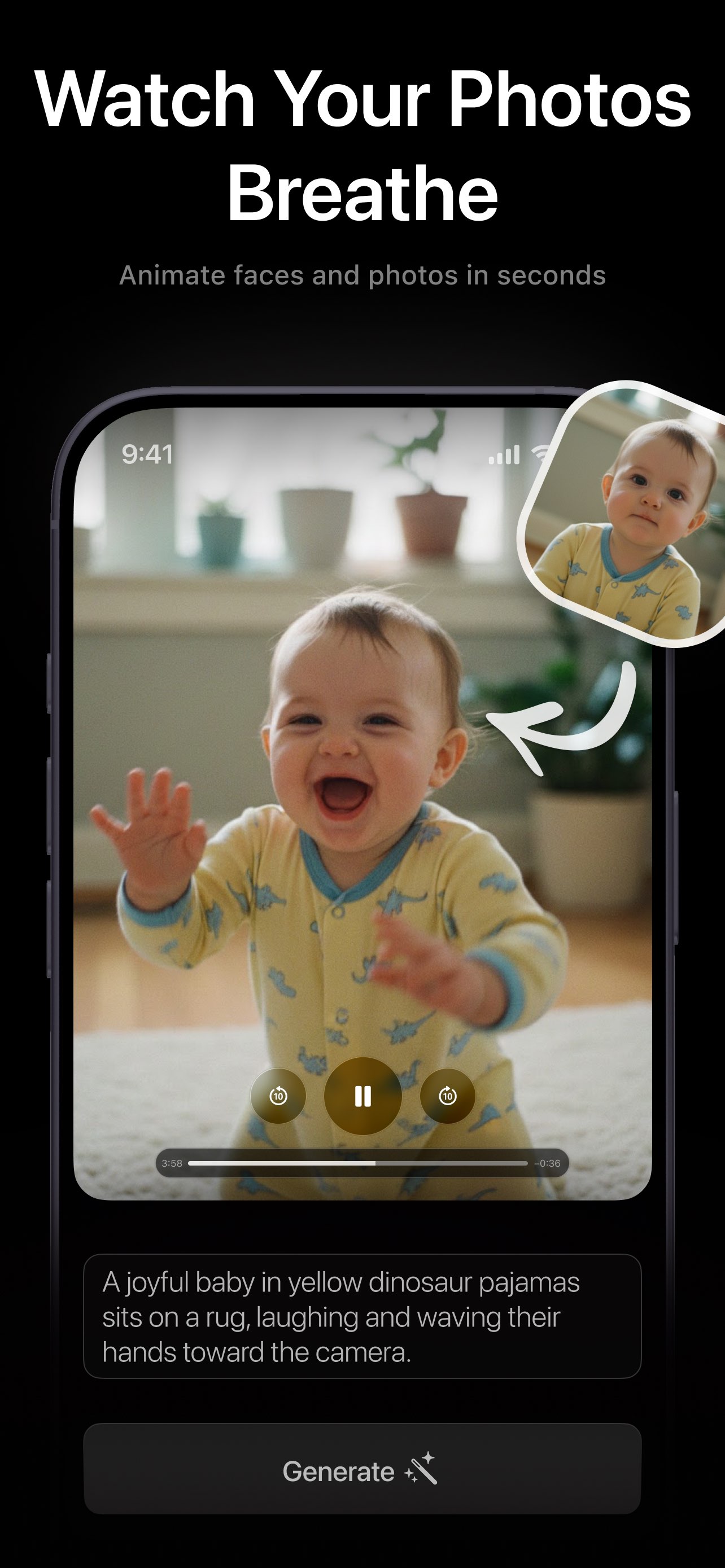
Photo in, video out — in four taps
- 1
Pick any photo
Choose a portrait, selfie, pet, or landscape from your library. A clear subject and good lighting give the most natural motion.
- 2
Tap Make Alive
That's the whole interface. No prompt writing, no style pickers — PicAlive works out the right, believable motion automatically.
- 3
Watch the progress
The app shows live status while the AI generates your clip in the cloud — usually just a few minutes.
- 4
Save & share
The finished video loops instantly. Save it to Photos or share it to Messages, Instagram, TikTok, and more.
Describe a brand-new scene with Videx
PicAlive animates the photos you already have. If you'd rather type an idea and generate a stylized clip from scratch — Cinematic, Anime, Cyberpunk — try Videx, the AI video generator from the same AI Journey team.
Photo to video questions
How does photo-to-video AI work?
Do I need to write a prompt?
What kinds of photos can I turn into video?
Is PicAlive free to use?
More PicAlive features
Every part of PicAlive is built around the same one-tap loop. See what else it does.
Turn your first photo into a video
Download PicAlive free and watch a still picture come alive in minutes.
Rated 4.8 by 2M+ happy users