
A real video you can keep, post, and send
The magic moment isn't just seeing your photo move — it's sending it to the person who'll gasp. Every PicAlive result is a standard video, ready for your camera roll, the group chat, or your feed.
Made to be shared
The result plays on a loop the instant it's ready. Save it to your camera roll with one tap, or share it straight from the iOS share sheet — a clip that's genuinely fun to send to friends and family, and that stops thumbs on any feed.
- Auto-playing, looping result you can replay
- One-tap save to your Photos library
- Share to Messages, Instagram, TikTok, and more
- History keeps every clip to revisit or regenerate
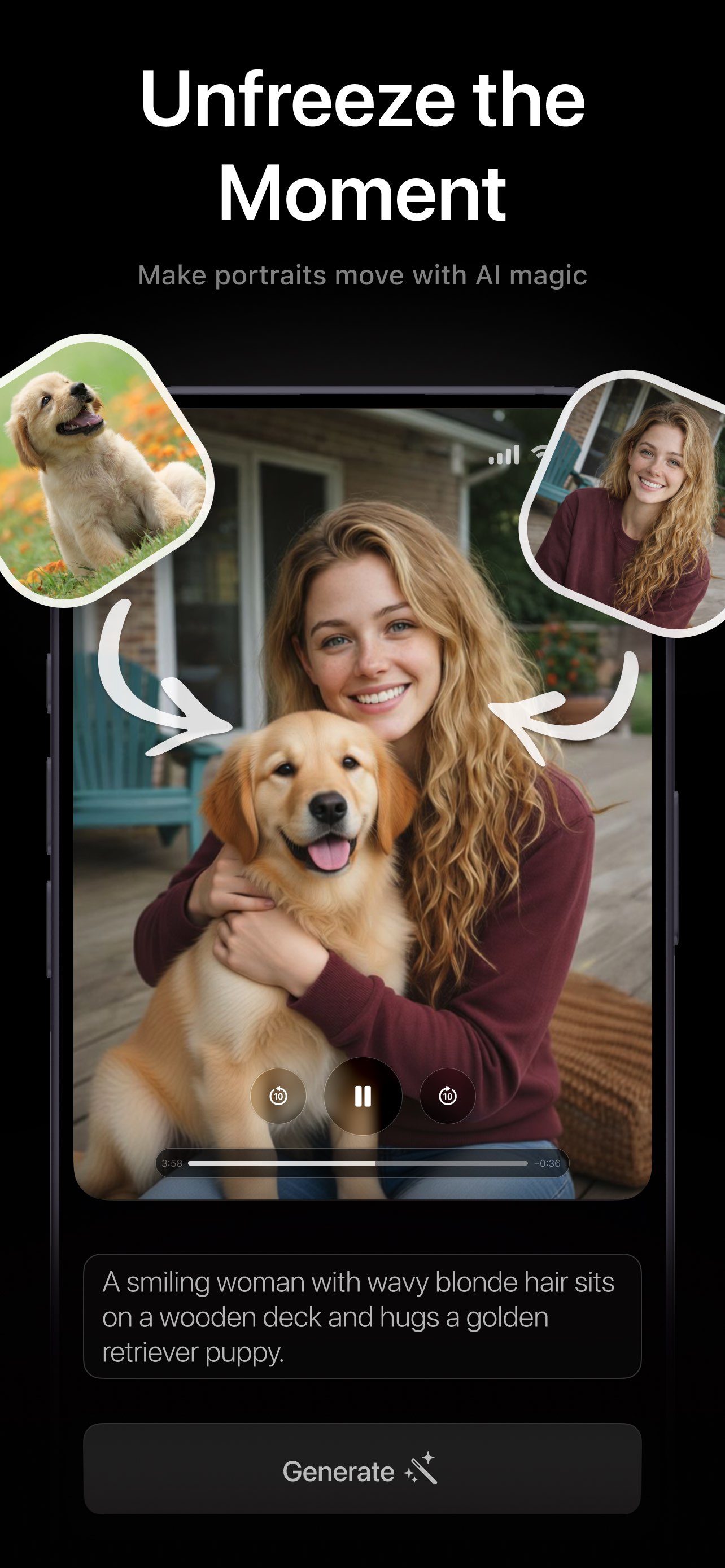
Your animations, always one tap away
PicAlive keeps a library of everything you've made — no files to manage, nothing to lose.
Replay
Open any past result and watch it loop again — the finished clip stays ready whenever you want to see it.
Regenerate
Reuse a previous photo to run a fresh animation. Every run produces new motion, so favorites are worth a second take.
Manage
Save a clip you skipped earlier, share it somewhere new, or delete the experiments you don't need.
Saving & sharing questions
What format is the finished animation?
Where do my past animations live?
Do saved videos have a watermark?
Can I post PicAlive videos to social media?
More PicAlive features
Every part of PicAlive is built around the same one-tap loop. See what else it does.
Make a clip worth sending
Download PicAlive free, animate a photo, and share the moment with someone who'll love it.
Rated 4.8 by 2M+ happy users